Customize social previews
Last updated:
Use Open Graph settings in UW Theme 2.0 to customize how your pages and posts appear when shared on social media and messaging platforms such as Facebook, X/Twitter, Linkedin, and Instagram. This guide explains how to edit those settings.
What are Open Graph meta tags?
Open Graph meta tags are bits of code that tell social media platforms what to display when a page is shared. In UW Theme 2.0, you can customize a limited set of these tags — title, description, and image — for individual pages and posts.

Set a social image for your site
In the Sitewide tab of your Theme Settings, you can set a custom image to display when you share your site on social media platforms such as Facebook, Linkedin, Instagram, and more.
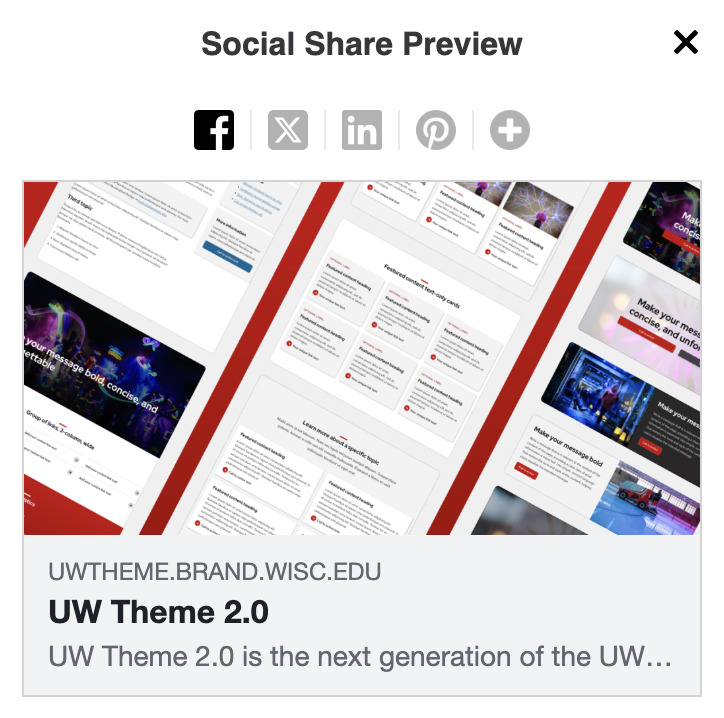
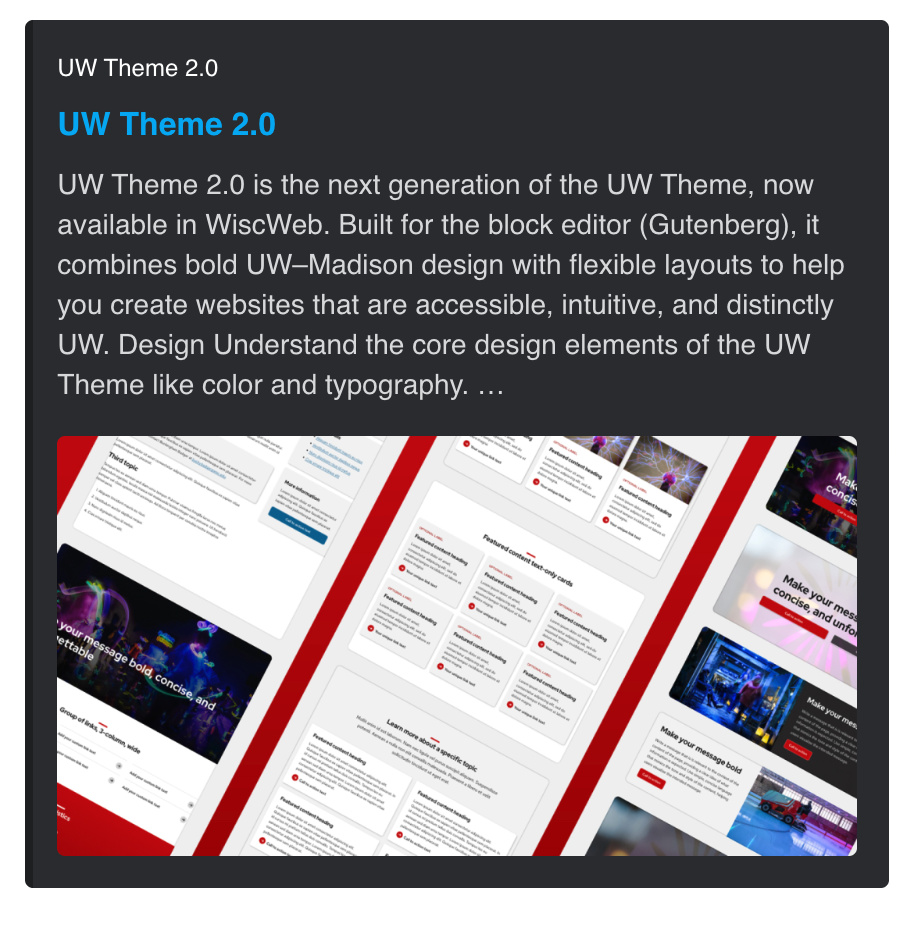
Customize individual pages and posts
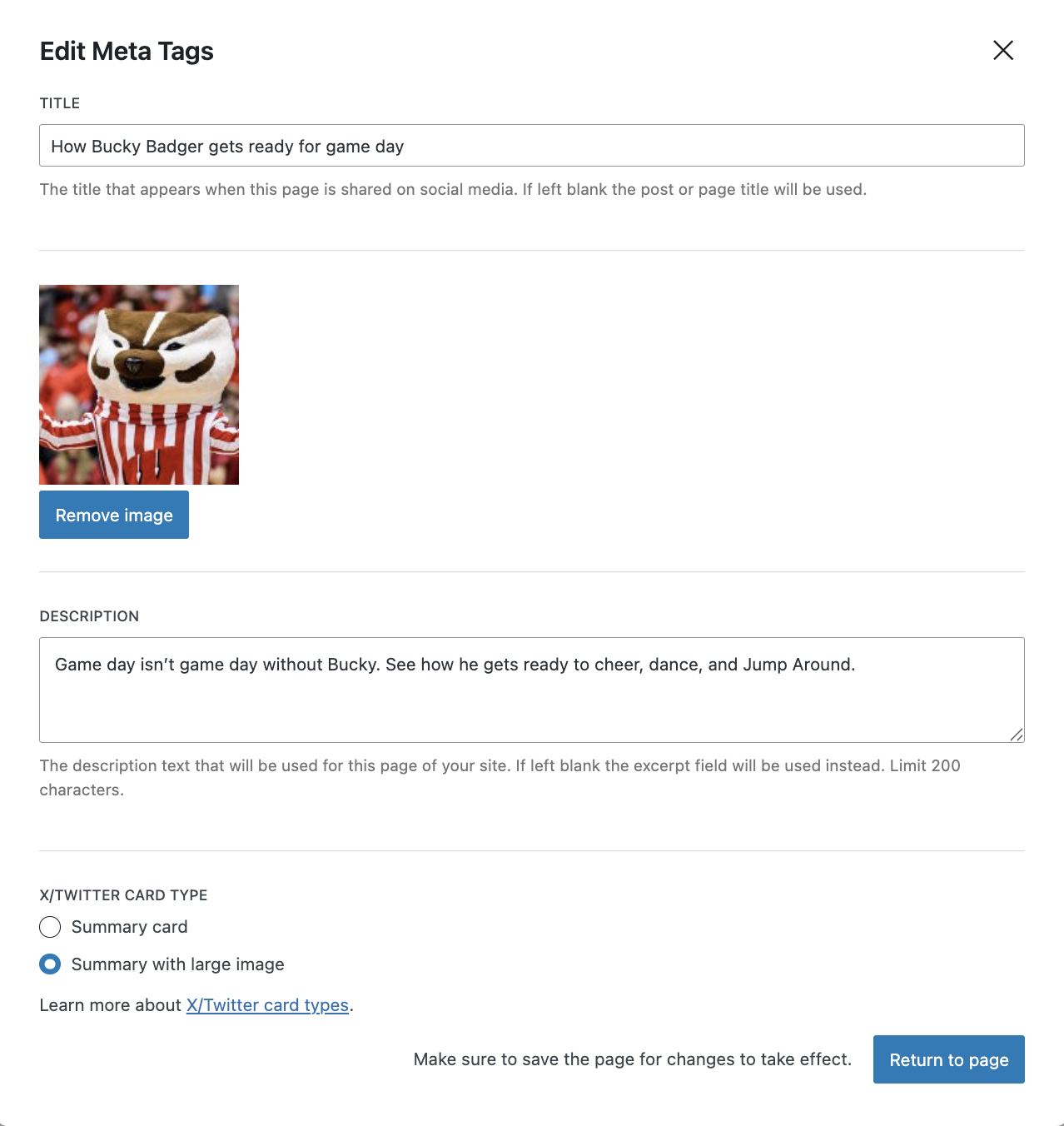
Under the Page settings tab > SEO and Social Media, you can set a custom title, image, description, and choose the type of Twitter/X card to use.
If you don’t add a custom image:
- The featured image will be used instead (if one is set).
- If there’s no featured image, the sitewide meta image will be used (if one is set).
- If no images are set at all, only the page or post title will appear in the social preview.
Preview and debug your content
- Use OpenGraph XYZ to preview your meta tags.
- The Linkedin Post Inspector tool can refresh and debug your previews.
Image best practices
Recommended image size
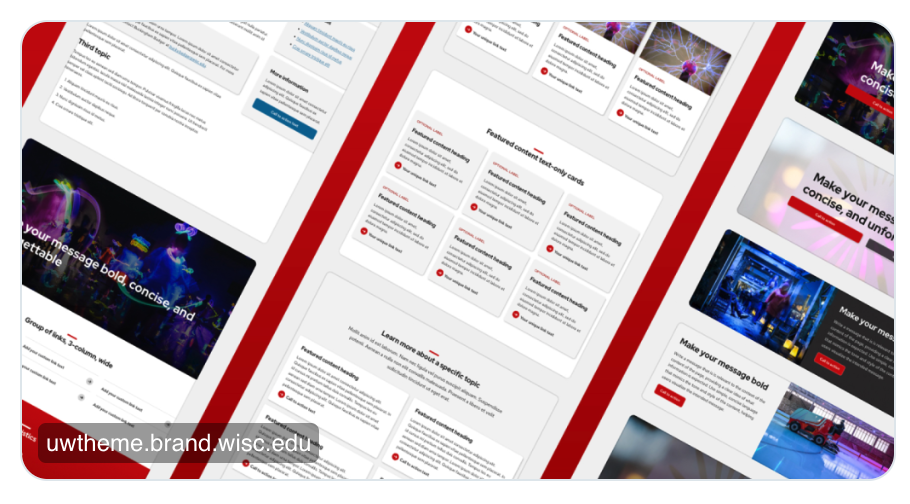
Use an image that’s 1200 x 630 pixels. This size prevents cropping on Twitter, LinkedIn, and Facebook, and keeps your content looking clear when shared.
File size and format
Your image should be under 5MB to meet the requirements for X/Twitter, LinkedIn, and Facebook.
For best results, use JPG or PNG as your file format. LinkedIn does not support WebP, so these formats ensure your image displays correctly on all platforms.