Group block

Last updated:
Use the WordPress Group block to create a content section that holds multiple blocks together, so you can move and style them as one unit. Think of it as a box that can hold other blocks inside of it.
In UW Theme, Group is the primary way to build page sections, including full-width sections with a background color.
Not sure if Group is the right block? See Choosing a layout block.
On this page
Video overview
Things to know
- In the UW Theme, Group does not support background images or gradient colors. Use the Cover block when you need text on top of an image or gradient.
- You can rename Group blocks in List View to keep page sections you create with the Group block organized. Visit block fundamentals to learn more about organizing blocks.
- You can transform Group into Row, Stack, or Grid in the block settings sidebar without losing content.
Block settings
The settings below are the most commonly used options for Group in UW Theme.
For a full overview of all available settings and detailed explanations, visit the Group block documentation on WordPress.org.
Background color
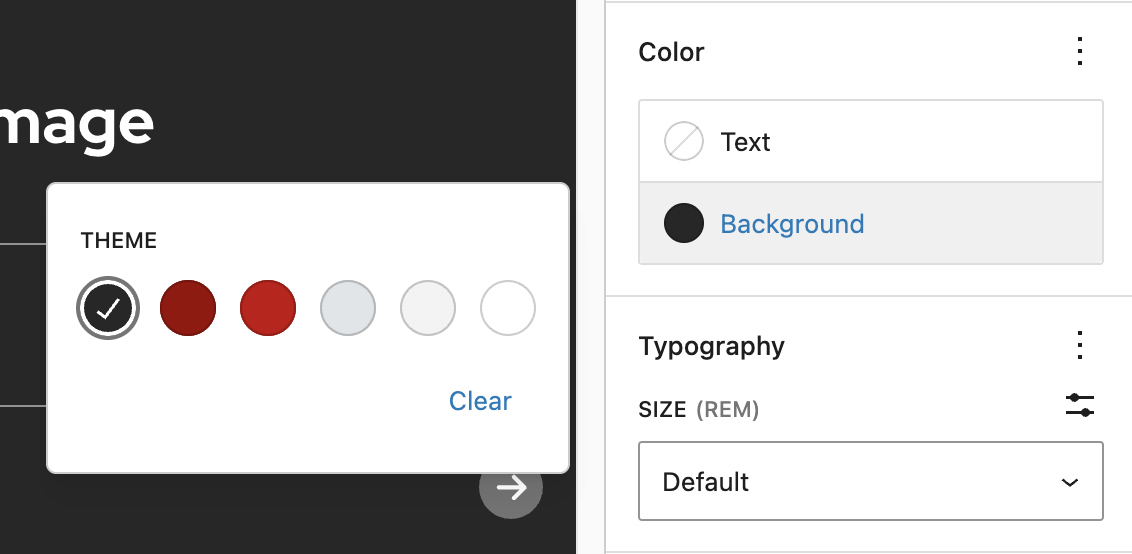
Add a background color using the Color settings in the block settings sidebar. UW Theme includes a limited set of background colors designed to meet accessibility contrast requirements.
Content width
Set a Group block to full width using the Align option in the block toolbar. This is how full-width colored sections are built in UW Theme. For more detail about content width, including width of nested blocks, visit the Managing content width guide.
Padding and spacing
Control the space inside a Group block using Dimensions in the block settings sidebar. Use consistent padding across sections to keep layouts cohesive. For spacing guidance, visit Design best practices.
Examples
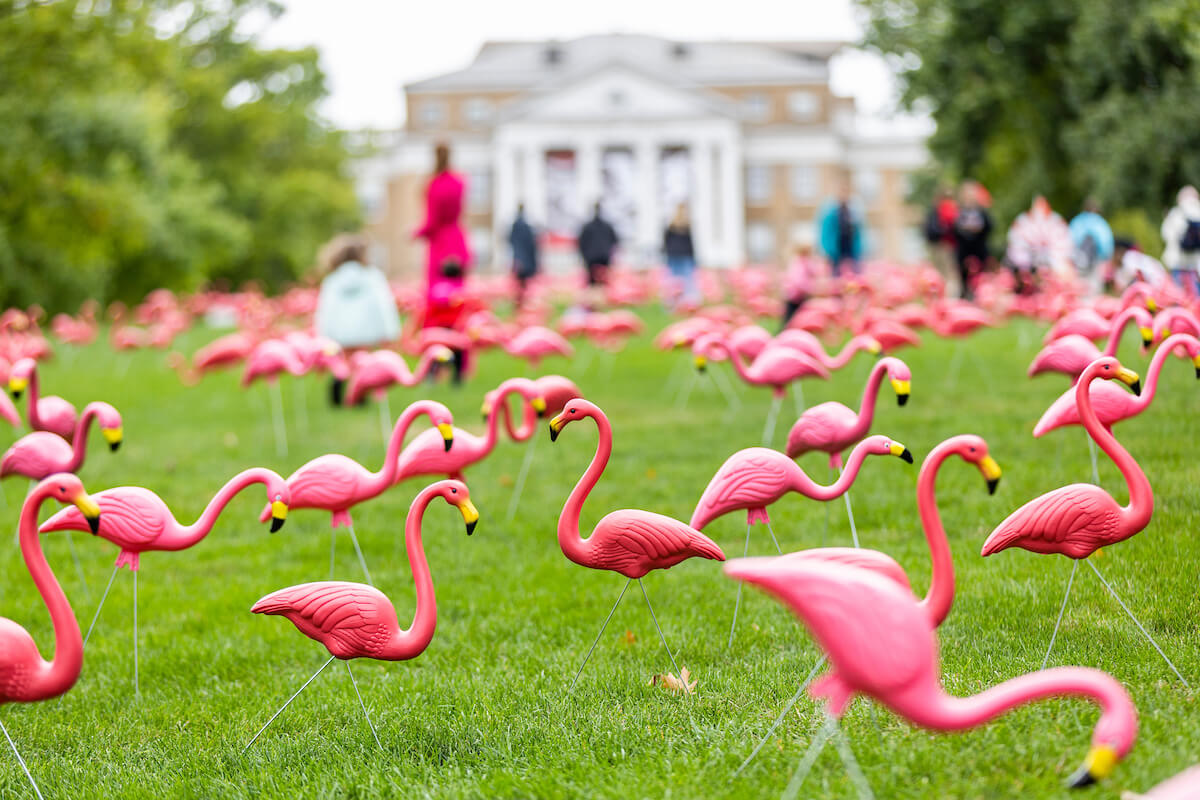
Use Group to create a full-width content section with a background color that helps break up a page visually. This section groups together an H2 heading with the Red Mini Bar enabled, and the image, paragraph, and button blocks.
Flamingo season returns to Bascom Hill
Each year thousands of pink plastic flamingos fill the lawn of Bascom Hill as part of the Wisconsin Union’s beloved fundraising tradition. The flock has grown every year since 1979.