Designing with UW Icons
Last updated:
This guide walks through design best practices for using the expansive collection of UW icons that are available through the Icon block in the UW Theme 2.0. Icons can be a valuable tool to help users scan content, recognize information, and reinforce your message while maintaining a consistent UW–branded design.
Note: For details on how to access and use the Icon block itself, visit the Icon block documentation page.
What are the UW icons?
The UW icons are custom illustrations created in a style that reflects the university’s unique visual brand. They depict a broad range of topics relevant to academic institutions like science, technology, and sustainability, to more Wisconsin and UW–Madison-specific imagery.
microscope
W t-shirt
solar panel
Wisconsin
robotics
lightbulb
Icons can be beneficial for adding visual emphasis when photos are not available, would feel overwhelming, or where smaller visuals are needed. As with any design element, it’s best to not overuse. Using too many icons at once or too frequently throughout a page can create visual clutter.
The UW icons are meant to reinforce ideas communicated through accompanying text, not to stand in for text. For ideas on how to pair icons with text, browse the Icon design examples section at the bottom of this page.
UW Icons vs. UI icons
UW Brand icons are different from user interface (UI) icons. UI icons represent functions or actions a user can take on a website or app, and often stand in for text.
Examples of UI icons:

Start with patterns
The icon block allows you to select an existing pattern as soon as you place it on your page. These patterns cover a variety of different content types and layouts while demonstrating design and accessibility best practices, offering a great starting point.
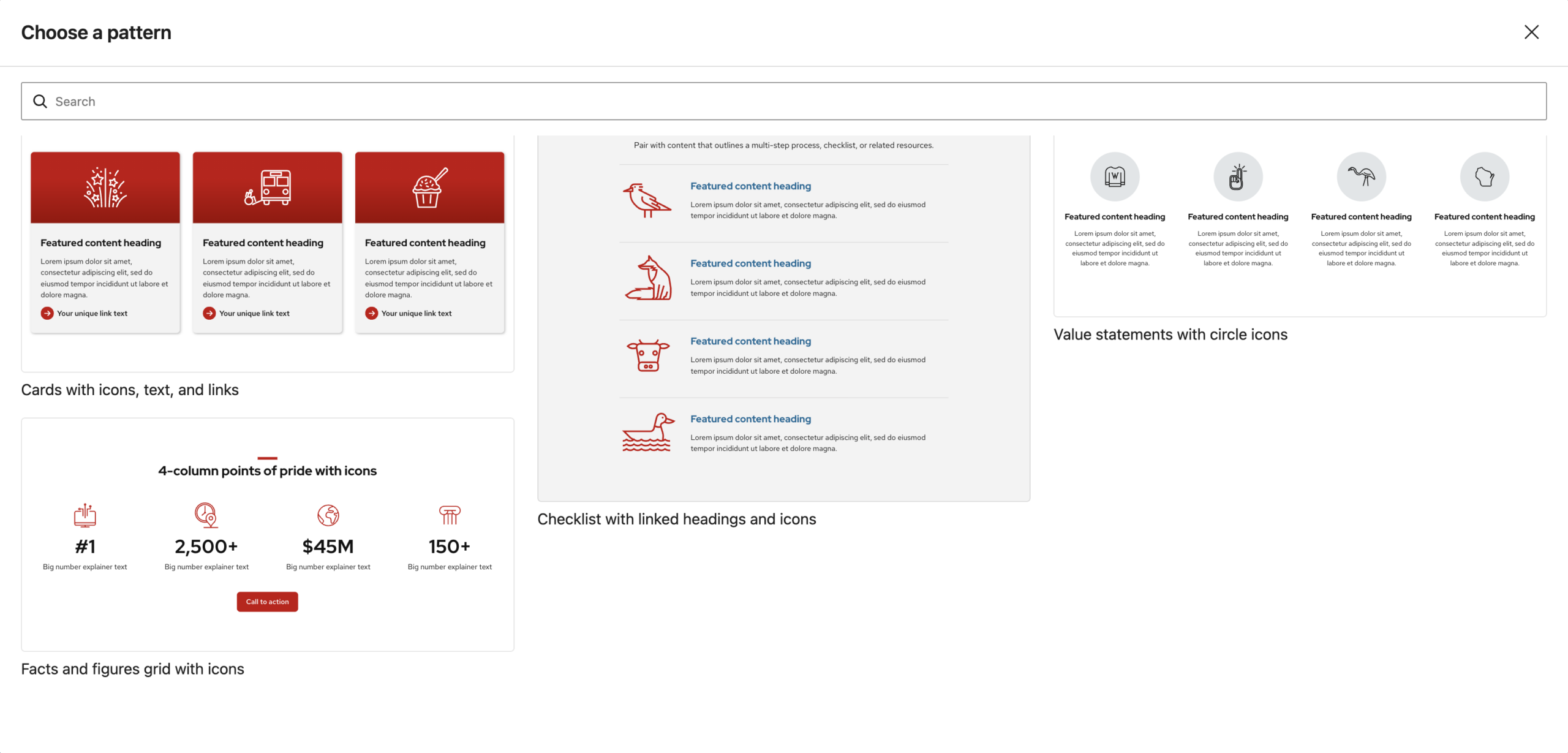
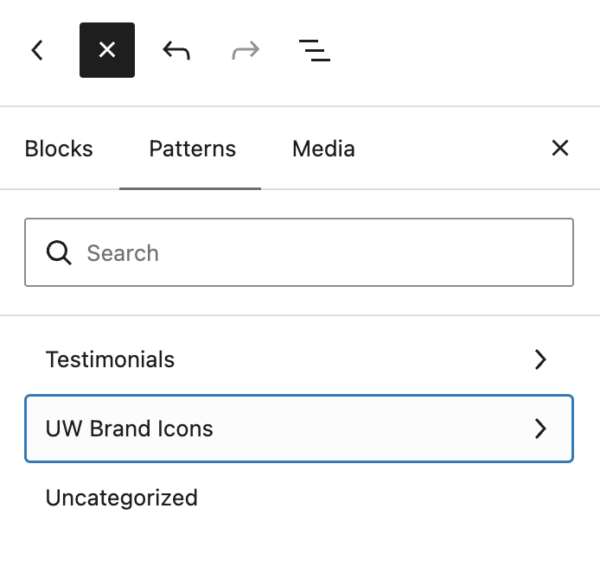
You can also find icon patterns under the UW Brand Icons category in the Patterns tab of the Block Inserter (+ icon)
Tone and meaning
The Icon block offers over 200 different illustrations that range from straightforward representations of widely recognizable concepts, to ones that could have more versatile or nuanced applications. For highly specific or sensitive subject matters, think carefully about the tone created through the pairing of image and text.
The collection also includes illustrations representing UW–Madison pride and whimsy. Use these only for topics pertaining to institutional pride or Badger spirit.

Don’t do this
UW-themed icon out of context


Do this instead
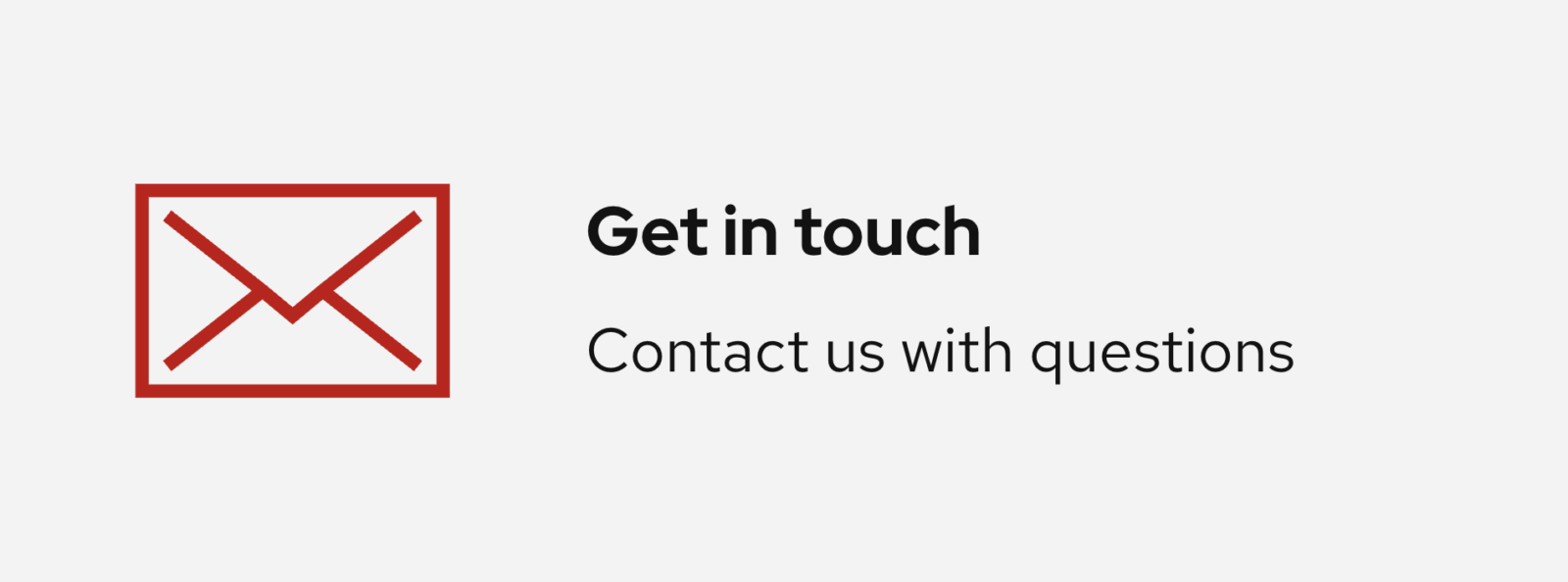
Strong association between icon and text
Color and contrast
Within the block settings, you can customize color from a limited theme palette for both the illustration and optional background color.
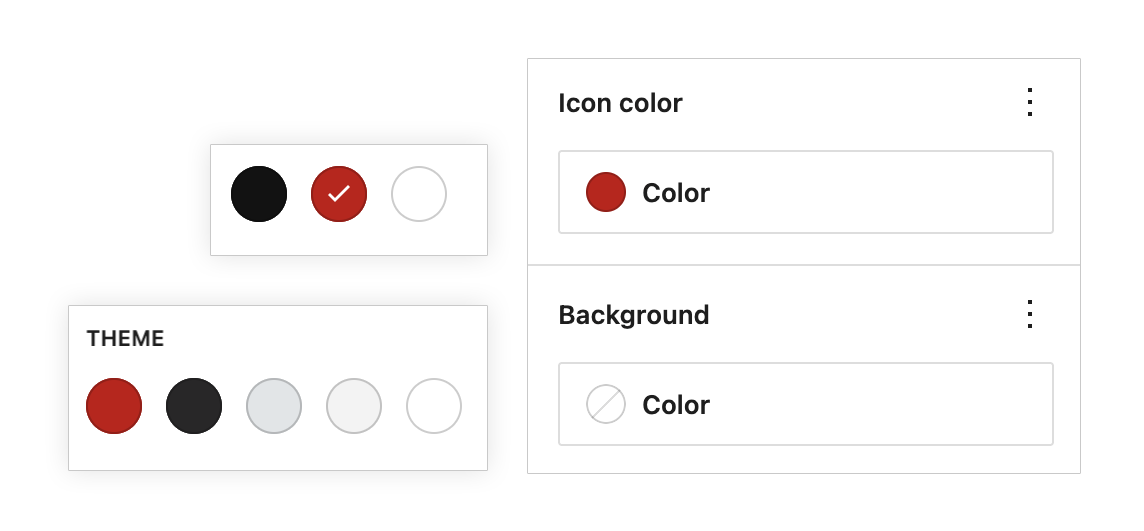
Be mindful of choosing an icon color that provides sufficient contrast with the background. For multiple icons, it’s best to keep color consistent across the set.
Don’t do this
Do this instead
In most cases, avoid placing icons directly over images to prevent contrast issues.
Size and proportion
When sizing your icons, we recommend working within the default range provided by the Width slider in the block settings.
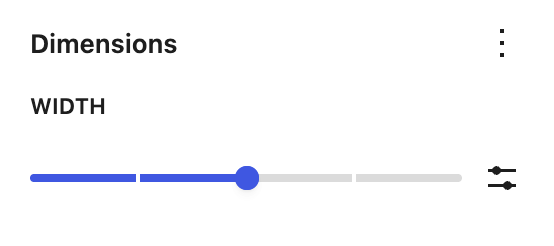
Consider how icons look together
When using multiple icons in the same section, use the same size setting; they should feel like they’re part of the same design. Some icons have different proportions, so they won’t always appear exactly the same size. This is a nuance of the different illustrations and should not warrant sizing each icon differently.
Don’t do this
Don’t size icons in the same section to be smaller or larger than one another.
Do this instead
Apply the same size setting for icons within the same section for visual consistency.
Choose a size that supports your content
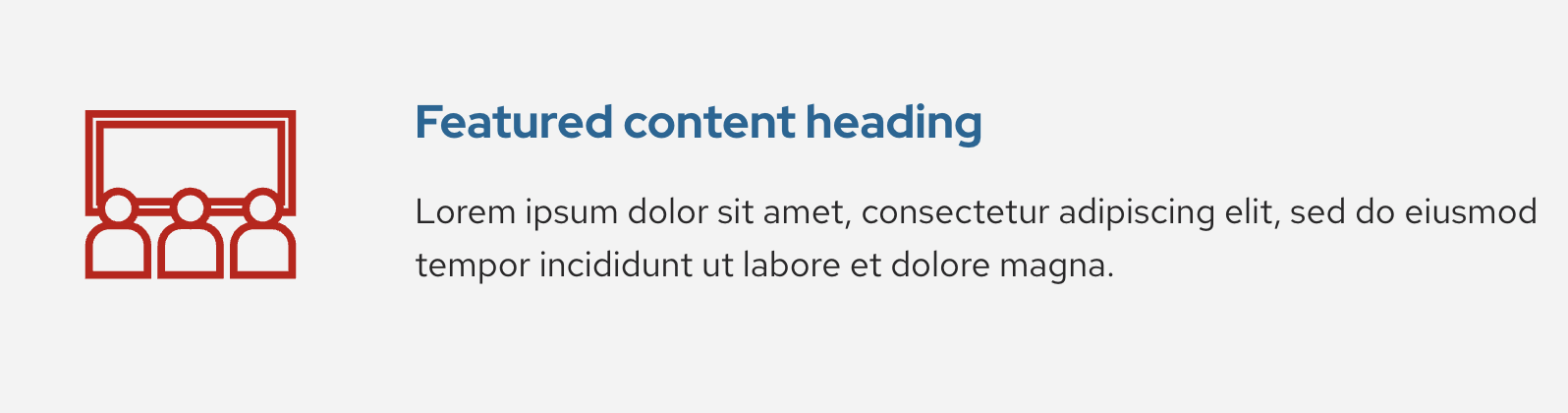
Focus on the relationship between the icon and its accompanying content. Choose an icon size that complements the surrounding text without overwhelming it.
Don’t do this
UW-themed icon out of context
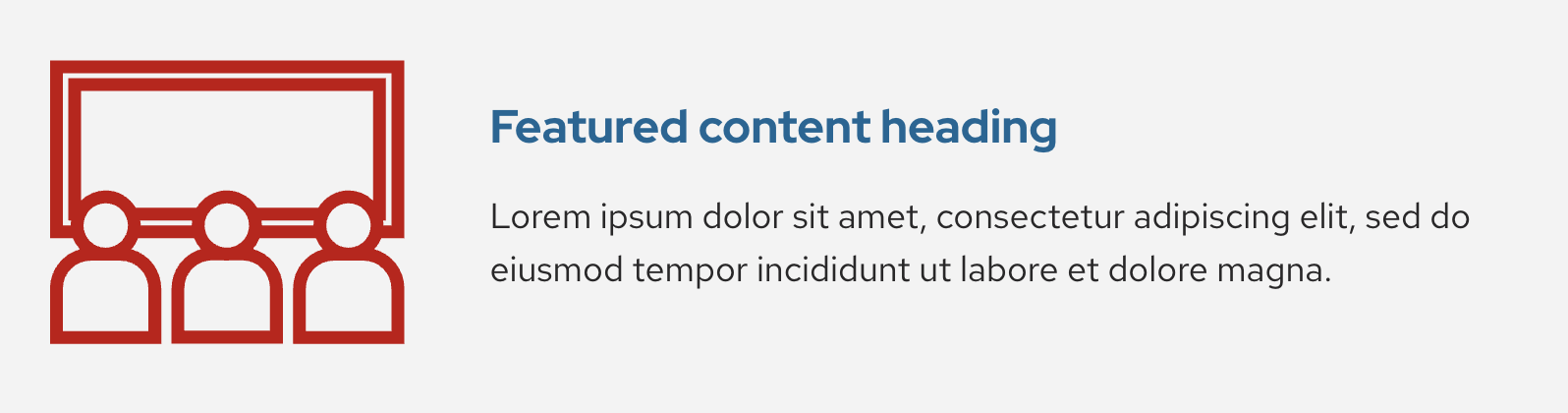
Do this instead
Strong association between icon and text
While designing, regularly check the size and alignment of your icons on mobile. Learn how to access the mobile view in the block editor.
Spacing
To adjust space between the icon and related elements, group these blocks together in a container block (e.g. Group, Columns, Row, Stack, Grid) and use the Block Spacing sliders.
Use enough space between elements to keep content readable, but not so much that related content feels disconnected.
Our icon patterns can serve as a good reference point for the right balance of spacing between elements.
Note: Padding in the Icon block changes the amount of space within the icon container, so increasing it will shrink the icon itself. Refer to the Dimensions Settings overview guide from WordPress.org to learn more about block spacing, margin, and padding.
Icon design examples
Browse these layouts for ideas on how to successfully incorporate icons into your page designs.
Need design help?
Lorem ipsum
Lorem ipsum dolor sit amet, consectetur adipiscing elit, sed do eiusmod tempor incididunt ut labore et dolore magna.
Lorem ipsum
Lorem ipsum dolor sit amet, consectetur adipiscing elit, sed do eiusmod tempor incididunt ut labore et dolore magna.
Lorem ipsum
Lorem ipsum dolor sit amet, consectetur adipiscing elit, sed do eiusmod tempor incididunt ut labore et dolore magna.
Checklist with circle icons
Pair with content that outlines a multi-step process, checklist, or related resources.
Featured content heading
Lorem ipsum dolor sit amet, consectetur adipiscing elit, sed do eiusmod tempor incididunt ut labore et dolore magna.
Featured content heading
Lorem ipsum dolor sit amet, consectetur adipiscing elit, sed do eiusmod tempor incididunt ut labore et dolore magna.
Featured content heading
Lorem ipsum dolor sit amet, consectetur adipiscing elit, sed do eiusmod tempor incididunt ut labore et dolore magna.
Featured content heading
Lorem ipsum dolor sit amet, consectetur adipiscing elit, sed do eiusmod tempor incididunt ut labore et dolore magna.
Left-aligned value statements
Featured content heading
Lorem ipsum dolor sit amet, consectetur adipiscing elit, sed do eiusmod tempor incididunt ut labore et dolore magna.
Featured content heading
Lorem ipsum dolor sit amet, consectetur adipiscing elit, sed do eiusmod tempor incididunt ut labore et dolore magna.
Featured content heading
Lorem ipsum dolor sit amet, consectetur adipiscing elit, sed do eiusmod tempor incididunt ut labore et dolore magna.
Featured content heading
Lorem ipsum dolor sit amet, consectetur adipiscing elit, sed do eiusmod tempor incididunt ut labore et dolore magna.
4-column points of pride with icons
#1
Big number explainer text
2,500+
Big number explainer text
$45M
Big number explainer text
150+
Big number explainer text