UW Theme release v2.14.0
Release date:
This release brings a mix of accessibility, design, and content improvements across UW Theme 2.0. Highlights include new accessibility guardrails, a heading highlight option for headings inside of Cover blocks, automatic en dash formatting for UW–Madison references, and clickable phone numbers in UW People profiles.
Version updates
- UW Theme 2.14.0
- UW Blocks plugin v2.14.0
- UW Events plugin v2.7.0
- UW People plugin v2.11.0
- UW Theme to Gutenberg Converter plugin v1.0.18
Table of contents
Accessibility updates
This release includes several updates that make accessibility issues easier to identify and prevent while creating content.
New reminders for pages missing an H1
UW Theme now helps identify pages that are missing a top-level heading, or H1, which is important for accessibility.

When editing a page without an H1, you’ll see a notice with options to:
- Add a Title block
- Choose a page title pattern
- Learn more about page titles and headings
Pages that are missing an H1 will also appear in the Site Actions dashboard, making it easier to find and update existing pages across your site. Please fix pages by December 31, 2026 to support UW–Madison’s Digital Accessibility Policy.
Visit the Working with page titles and headings guide to learn more about this update and how to fix pages with missing H1s.
New reminders for links and buttons that are missing a URL
The editor now provides a reminder when certain links or buttons have text but do not have a destination.
This includes:
- Button blocks without a link
- UW Link blocks without a link
These reminders help catch interactive elements that may look like links or buttons on the published page but do not take visitors anywhere.
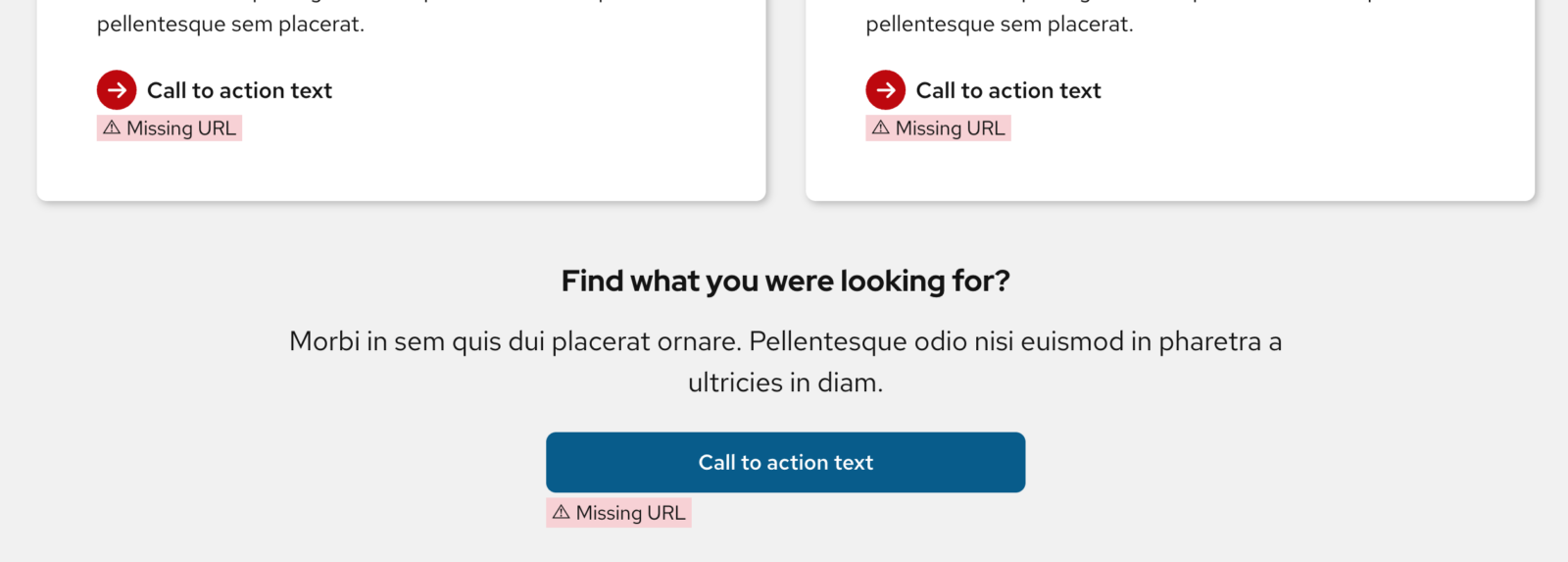
We also fixed an issue that prevented links from being removed from the UW Link block after they had been added.
Improved image alt text reminders
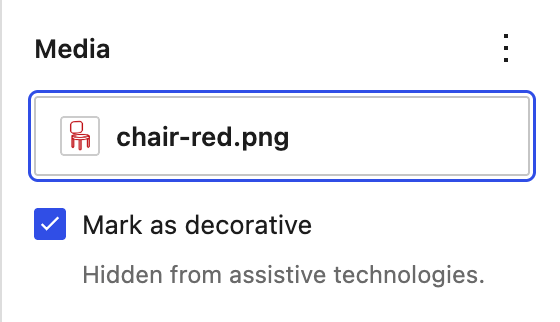
The theme’s alt text reminder now recognizes images that are marked as decorative in WordPress 7.1.
The reminder will no longer appear when an image either has alternative text or has intentionally been marked as decorative.
Global navigation accessibility improvements
We updated the global UW–Madison header markup to improve navigation for people using assistive technology.

This includes improving navigation landmarks and ensuring the visible University of Wisconsin–Madison link matches its accessible name, including on smaller screens.
Service area page pattern
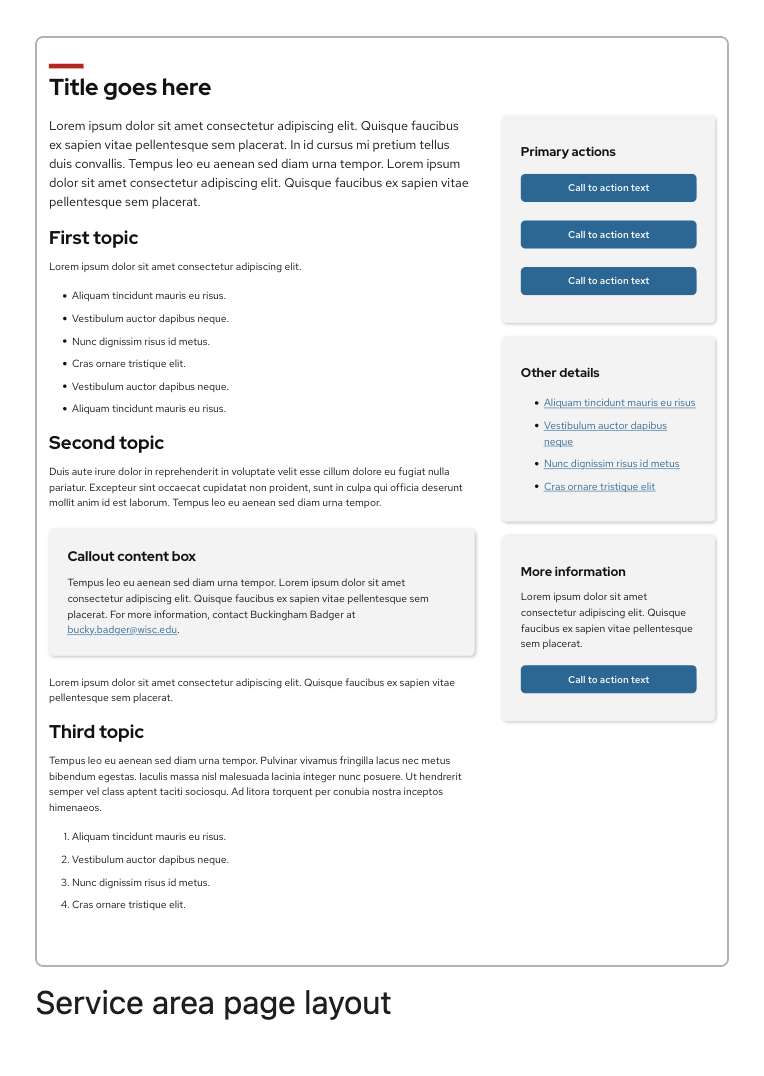
Updated the page layout pattern titled Service area page layout to improve heading structure, keep the page title in the expected position on smaller screens, and use more consistent styling for primary buttons.
New heading highlight feature
You can now add a background highlight behind Heading and Title blocks placed inside a Cover block. Below is a new pattern for this feature under the Banner category:
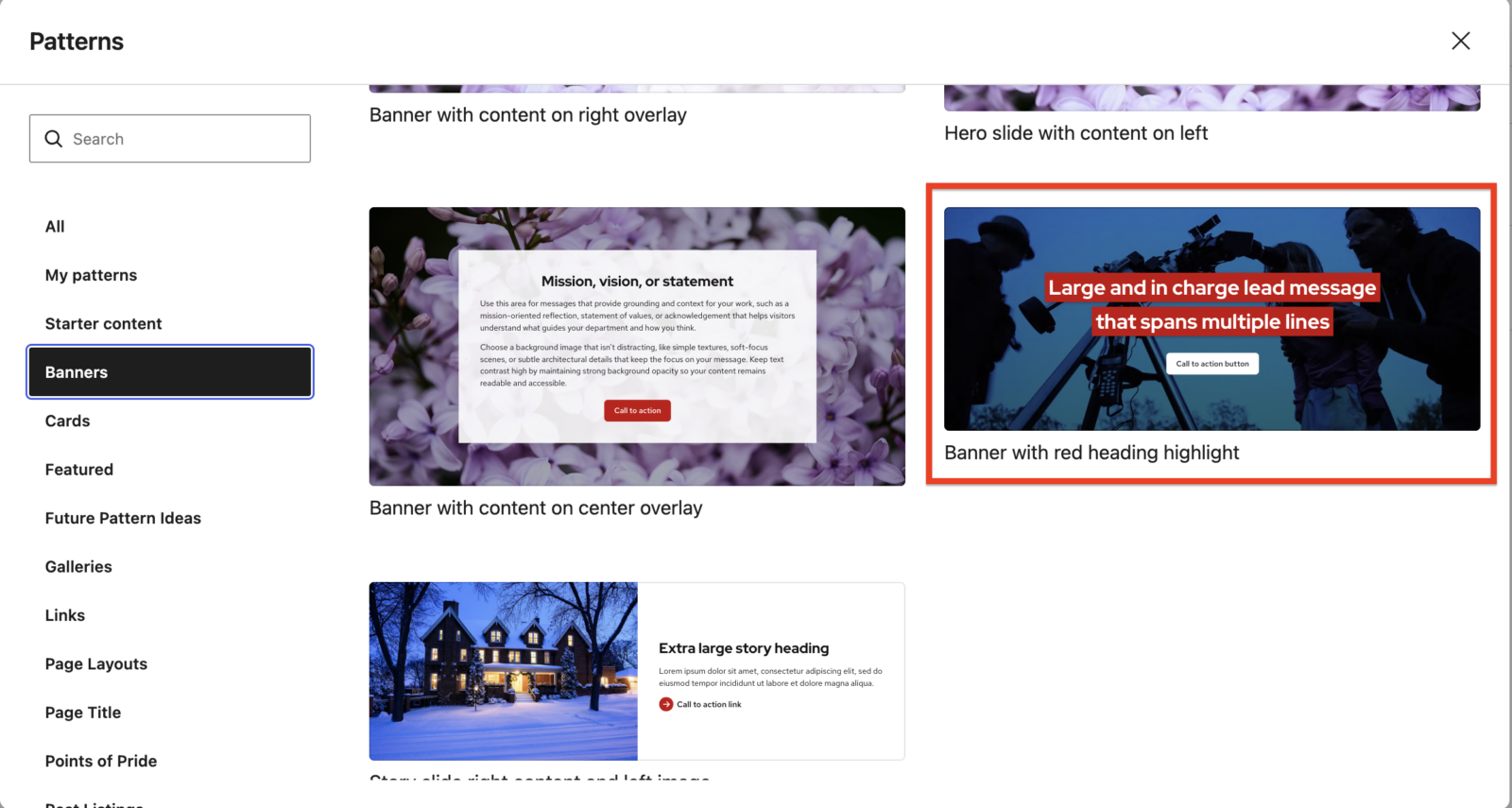
The new option can help headings remain readable when placed over images while providing another way to visually emphasize important page titles and section headings.
Visit the UW Heading Highlight guide to learn how to best use and apply this design on your own site.
Use UW–Madison’s preferred en dash
We made updates to improve the consistency of en dash usage across UW Theme, UW Events plugin, and UW People plugin.
- References to UW–Madison and University of Wisconsin–Madison in page content now display with the university’s preferred en dash on the published page, even if a hyphen was entered in the editor.
- Event titles in the UW Events plugin receive automatic dash formatting.
- Address fields in UW People profiles also receive automatic dash formatting.
Visit feature request #212 for more details about the benefits and value of using the en dash when referring to UW–Madison.
Link phone numbers in the UW People plugin
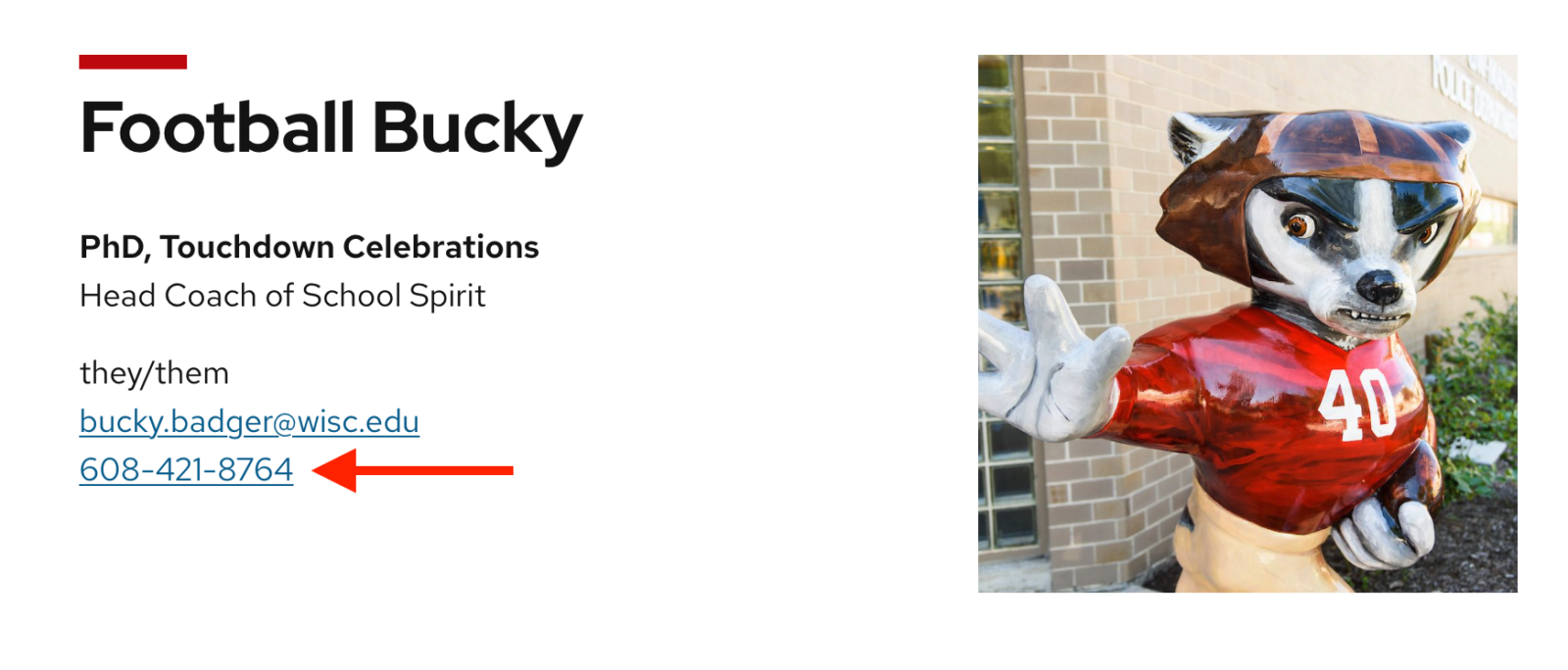
In the UW People plugin, phone numbers in people profiles and the UW People Listing block now automatically become clickable tel: links when they use a supported phone-number format.

This makes it easier for visitors on phones and other compatible devices to click a phone number and call directly from a person page or people listing. We also refined phone-number detection so incomplete or unsupported formats are less likely to be linked by mistake.
Visit feature request #250 for more information about this feature.
UW Events plugin updates
These updates apply to the UW Events plugin:
- Event categories are no longer limited to the first 10 available categories. When selecting categories, editors can now access the full set returned by the events system.
- Fixed the alignment of event category descriptions so they line up correctly with the event category title on archive pages.
Other theme and block improvements
Search block
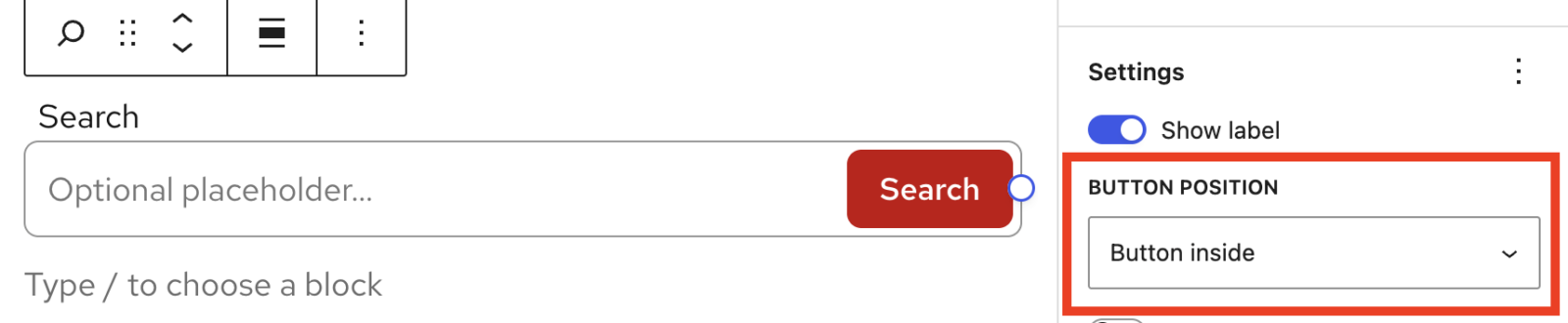
We made several small visual improvements to the Search block, including updated spacing for search fields and cleaner borders when the search button appears inside the field.
Bugfixes
- Fixed an issue where pagination could stop working on search results pages when search terms included parentheses.
Spacing updates
- Adjusted spacing in the UW Accordion block to improve how accordions display around tablet-sized screen widths. Visit feature request #248 for more information.
- Improved spacing in Migration Station (Gutenberg migration plugin) to more clearly separate the Reset post content button from the text above it.
WordPress 7.1 editor updates
UW Theme includes several updates to keep the editing experience consistent with the theme for sites that update to WordPress 7.1
WordPress 7.1 introduced new block controls and options. Several options that are not supported or recommended in UW Theme have been removed from the editor, including:
- Pseudo-state styling options, such as controls for button states.
- The Elements panel on blocks where those settings are not supported by the theme.
- Text color options for the Search block.
- A new minimum-width control that is not supported by the theme.
- The Search block’s text color controls have also been removed so that search fields continue to use theme-supported colors.
These changes help prevent editors from choosing settings that may not work as expected or that conflict with UW Theme design standards or the campus accessibility policy.
Visit the WordPress 7.1 Field Guide to learn more about the release and its features.
Technical updates
These changes primarily affect developers maintaining or extending UW Theme 2.0 and its associated plugins:
- UW Theme 2.0:
- Added a new action hook before the main navigation, allowing custom content to be inserted between the site header and primary navigation.
- Updated SVG references used by the theme.
- Reorganized Site Actions dashboard code to make individual actions easier to maintain.
- Updated how Cover block video background options are hidden in WordPress 7.1, while keeping the existing CSS fallback for earlier versions.
- A new setting lets you remove the previous and next post links that normally appear at the bottom of individual posts.
- Option to disable the previous and next post links under the Posts tab in your Theme Settings. Visit feature request #229 for more information.
- UW Events plugin: Renamed internal namespaces from WiscWeb to UW_Theme with no functionality changes.